Who is it for?
Restaurants
Your full menu with photos, today's hours at a glance, and ordering built right into the page.
Dessert and coffee shops
Menu, hours and order-ahead without digging, so a customer can order from the parking lot.
Online shops
A full product store, including build-your-own order flows when your product is made to order.
Service businesses
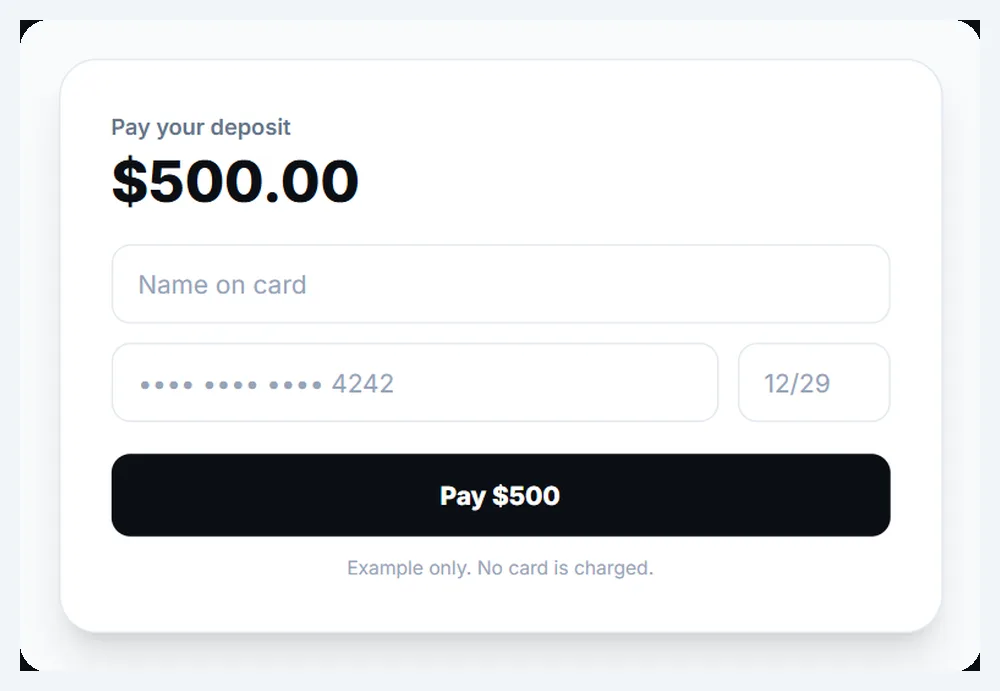
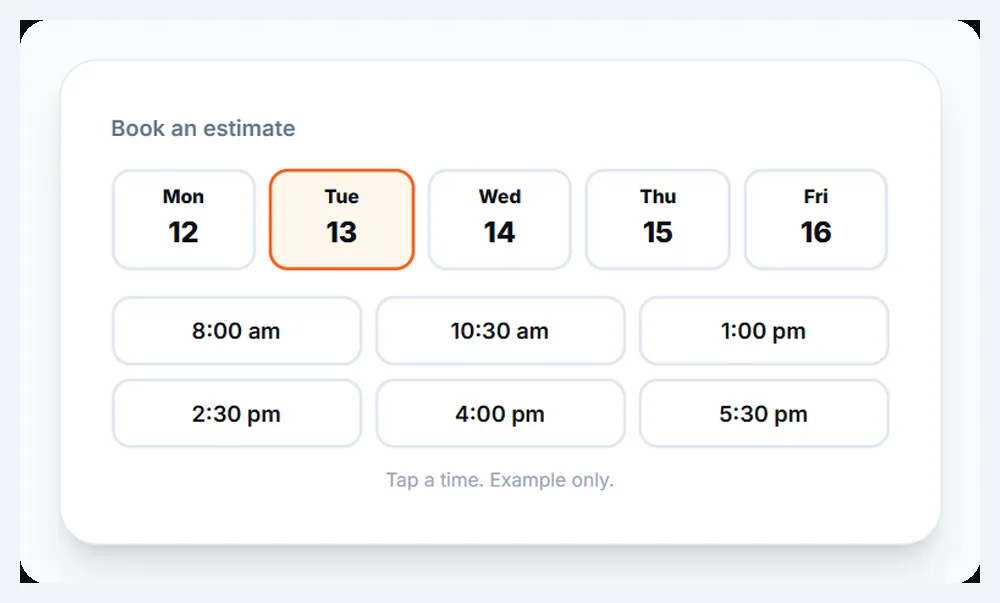
Deposits to hold a booking, Pay My Bill, and online booking for jobs and appointments.
How does ordering on your own site work?
A customer opens your website on their phone, picks what they want from your menu or your shop, and pays. The order comes to you, and the payment lands in your own Stripe account. You're the merchant the whole way through.
We set up the payment connection with you and leave you a plain-language guide, in English, Chinese or Korean, so you know exactly where your money is and how to see every order.
What does ordering look like for a customer?
Try it. Tap a few items and watch the order build. This is a made-up menu, so nothing is charged and no order goes anywhere, but it works the way ordering on your site would.
Example menu
Example only. Prices are made up.-
Breakfast burrito
Eggs, potatoes, green chile
$9 -
Iced honey latte
16 oz
$5 -
Fry sauce fries
Big enough to share
$6 -
Warm cookie
Baked every hour
$3
Your order is empty. Tap Add.
Total: $0
What can customers do on your site?
It depends on how your business takes money today. These are the pieces we build, and who they usually fit:
| Feature | Usually for | How it works |
|---|---|---|
| Online ordering | Restaurants, cafes, food trucks | Customers pick from your menu, pay, and the order comes to you. |
| Order ahead | Coffee and dessert shops | Order from the parking lot or the office, pick it up ready. |
| Product shop | Makers and online sellers | A full store with product pages, photos and checkout. |
| Build-your-own orders | Made-to-order products | Customers choose options step by step and see the order before they pay. |
| Deposits | Contractors, studios, event businesses | Hold a job or a date with a payment up front. |
| Pay My Bill | Anyone who sends invoices | Customers pay what they owe from any page of your site. |
| Online booking | Salons, barbers, clinics, service trades | Customers pick a time on your site without leaving it. |
You don't need all of them. Most businesses need one or two, and we only build what fits how you already work.
Why take orders on your own website?
Because the customer stays with you. When someone orders from your own page, they see your menu the way you wrote it, your photos and your hours, not a list of other places nearby. The order is yours, the customer is yours, and the next time they're hungry they come back to your site.
It also keeps things simple. One website does the job of a menu page, an ordering page and a payment page, and you change all three with one email to us.
What do we need from you to set it up?
- Your menu or product list, with prices. A photo of a printed menu is fine.
- Photos of your food, products or shop. Real ones, taken by you.
- Your hours and how customers get their order: pickup, delivery, shipping or a booked time.
- A Stripe account in your name. If you don't have one, we set it up with you and walk you through it.
Every payment shows up in your own Stripe dashboard, so you can see what came in and when, any time, on your phone.
What happens after launch?
Your menu keeps changing, and the site changes with it. Send us new items, seasonal specials, a dish that sold out for good or new hours, and we update the site for you. Small changes like these are part of the $99 a month.
If you add something bigger later, like a second location, delivery, or a shop for merchandise next to the menu, we build it onto the same site instead of starting over. Your customers keep the same address and the same way to order.
What have we built?
A restaurant site with the food front and center, ordering built in and the hours at a glance. A dessert shop with the menu, hours and order-ahead right there, built in one session. An online store for custom metal cards with a full build-your-own order flow. See recent websites →
What does it cost?
Ordering and payments are built in when they fit your business, as part of the same build everyone gets: $5,000 once, then $99 a month for looking after your site. Changes to your menu or prices are an email away.